
Summarize any YouTube video without leaving YouTube
Summarize in one click and get the key insights.
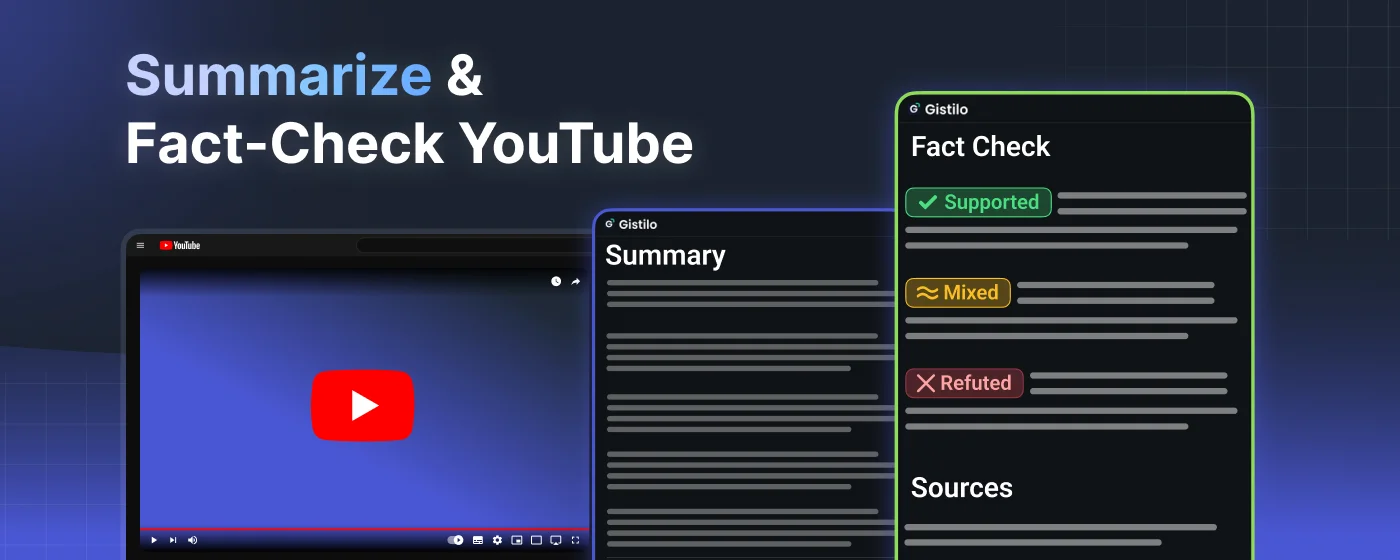
Fact-check key claims and see the evidence.
Fact-check key claims
See which claims are true, unclear, or false. Gistilo pulls the checkable claims out of the video and checks each one against the web, right in the panel.
- ✓ Supported
- ≈ Mixed
- ✕ Refuted
- ? Unverifiable
See the evidence behind every claim
Know what to trust. Open the detailed view for the reasoning behind each verdict and every source Gistilo used, linked so you can check it yourself.
Gistilo vs. basic AI summarizers
Summarize anything
Business, news, tech, podcasts and more. Any YouTube video with captions, up to 5 hours long. Every summary is saved to your history.
Take the insights with you
Download your summary as a beautifully formatted PDF, ready to share, print, or drop into your notes.
Compare Free and ProTry it on your next video.
Summaries, fact-checks, and PDF exports, beside the video you are watching.
Loved by researchers, students, and creators
-

Tamed my tab overload
I had way too many bookmarks and open videos. Summaries let me process them fast and close up shop.
-

Catches what other tools miss
Most summarizers just skim the surface. These actually catch the smaller points I used to miss.
-

Not a wall of text
The layout is easy to scan. I can grab the key takeaways without digging through a giant block of text.
-

Watch Later is no longer scary
My playlists were getting out of control. Now I can work through them fast without the mental load.
-

45-minute lectures summarized in seconds
I get the key points before my coffee is ready. No more constant pausing and rewinding to take notes.
-

Foreign videos finally click
I used to skip videos in other languages. Now I can grab the key points in seconds without getting lost.
-

Skip the podcast fluff
Long episodes can eat my day. These summaries pull the useful parts so I can get the info and keep moving.
-

Turns messy talks into an outline
Some videos jump around a lot. This turns them into logical points that actually match how I take notes.
-

Exam prep, zero rambling
Instead of zoning out, I stick to the 7 main points. It’s easier to review and actually remember.
How it works
-
Step 01

Add Gistilo to Chrome
Install from the Chrome Web Store. It takes a few seconds, and it is free.
-
Step 02
Open a YouTube video
Gistilo appears in a panel beside the video, ready whenever you need it.
-
Step 03

Summarize in one click
Get 7 key insights or a detailed summary, then fact-check the claims that matter.
FAQ
Is the extension free?
Yes. It is free to install, and the Free plan includes 6 hours of summaries and 3 fact-checked videos each month. No credit card required.
Which browsers does it work on?
Any desktop browser that supports Chrome extensions, including Chrome, Edge, Brave, Arc, and Opera. Install it from the Chrome Web Store.
Do I have to leave YouTube?
No. The summary and the fact-check verdicts appear beside the video. Detailed evidence, sources, and your history open on Gistilo when you want them.
What can I summarize?
Any YouTube video with usable captions, from podcasts and lectures to news, interviews, product reviews, and explainers. Free supports videos up to 90 minutes, Pro up to 5 hours.
How does fact-checking work?
Gistilo finds the key checkable claims, searches for evidence, and labels each one as supported, mixed, or unverifiable. Every source is linked so you can review the evidence yourself.
Can I export a summary?
Yes. Download any summary as a formatted PDF, or open it later from your history.
Summarize YouTube,
right on YouTube.
Add Gistilo beside the video and get the key points, checked claims, and real sources without copying a link or leaving the page.