

Find the right YouTube coding tutorial
before you start
Paste a Python, React, or Docker tutorial. See what it covers first.
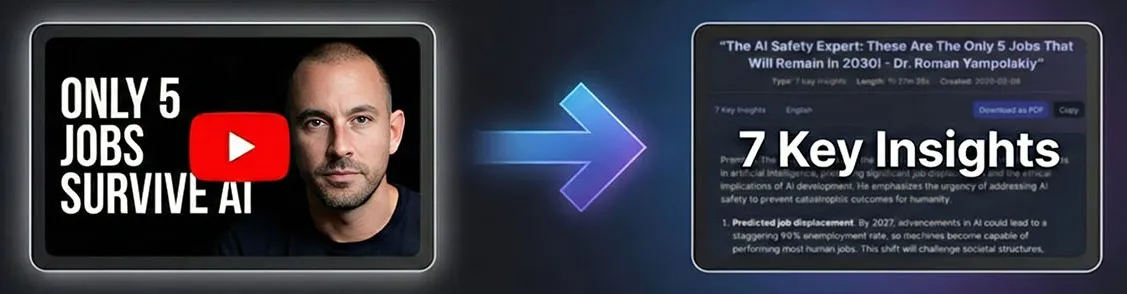
Featured on
Check the stack, scope, and concepts before you commit.
Compare tutorials, then keep the summary open while you code.
Gistilo vs. basic AI summarizers
Basic AI summarizers
Gistilo
Structure
Basic AIA wall of text, or 40 flat bullets.
GistiloExecutive summary, labeled sections, key claims, highlights.
Fact-checking
Basic AIClaims go unchecked.
GistiloKey claims checked against sources, with links.
Accuracy
Basic AIHallucinate on long transcripts.
GistiloBuilt to preserve important details.
Video length
Basic AICap out around 2 hours.
GistiloUp to 5 hours per video.
Sponsor segments
Basic AIInclude sponsor segments.
GistiloSkips sponsored segments.
PDF export
Basic AIA raw text dump.
GistiloClean PDFs, ready to share or print.
Evaluate a coding tutorial in three steps
Quick Demo
- Paste a YouTube link
- Choose a summary type
- Keep it open as you code
Compare quick takeaways and detailed technical notes
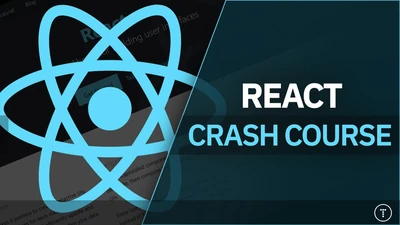
React JS Crash Course
Understanding React's Structure: The course begins with setting up a React… Component Creation and Props: The tutorial highlights the importance of str...
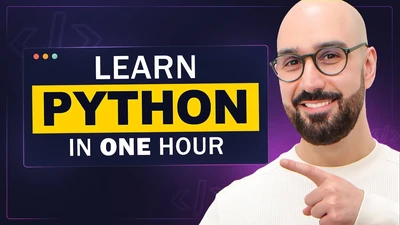
Python for Beginners - Learn Coding with Python in 1 Hour
Premise This tutorial aims to introduce beginners to programming using Pyth… The speaker guides viewers through essential concepts and practical exercis...
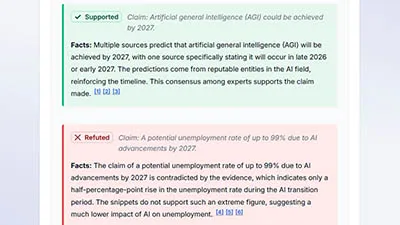
Verifies key claims and links sources.
Python is used in data science, machine learning, web development, and auto… Python if statements use indentation to define code blocks — Supported...
Try it on your own video
For developers who would rather build than browse

Watch Later is no longer scary
My playlists were getting out of control. Now I can work through them fast without the mental load.

Catches what other tools miss
Most summarizers just skim the surface. These actually catch the smaller points I used to miss.

Not a wall of text
The layout is easy to scan. I can grab the key takeaways without digging through a giant block of text.
FAQ
You can summarize tutorials about Python, JavaScript, React, Docker, Kubernetes, AI, machine learning, and most other programming topics.
Yes. The summaries show the technologies, concepts, project goals, and depth covered by each tutorial.
Yes. Detailed Summary provides a structured reference you can revisit while setting up tools or implementing the concepts.
The summary can reveal versions, libraries, and approaches mentioned in the video so you can judge whether they fit your project.
Gistilo summarizes the spoken explanation. Check the original video or linked repository for code that appears on screen without being explained aloud.
Based on video duration, rounded up. Example: 7:30 uses 8 minutes.
Free supports videos up to 90 minutes each. Pro supports videos up to 5 hours each.
Included hours reset each billing cycle. If you run out, you can purchase an optional top-up pack.
Included hours reset monthly. Pro top-ups roll over while Pro is active.
Optional on Pro. We verify key claims and include sources you can review. If we cannot verify something, we clearly label it.
No. We store summaries and minimal metadata. You can delete history anytime.
Preview a Coding Tutorial Before You Start
Paste a YouTube coding tutorial link to see the technologies, concepts, and approach before you commit.